Rig Anything With Rigify - Auto Rigging in Blender
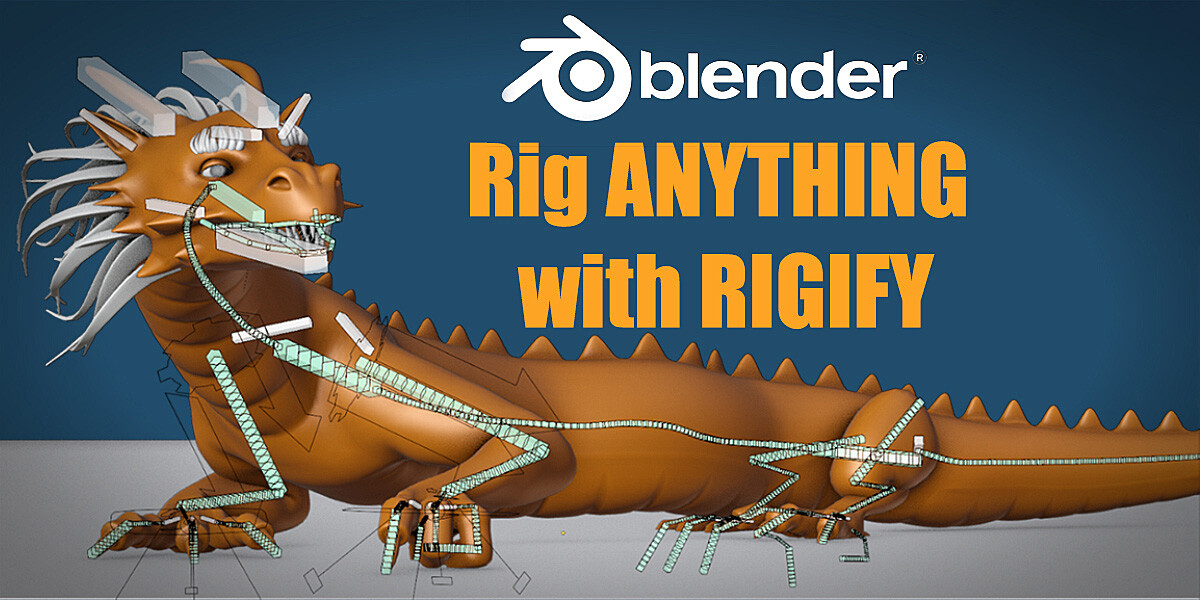
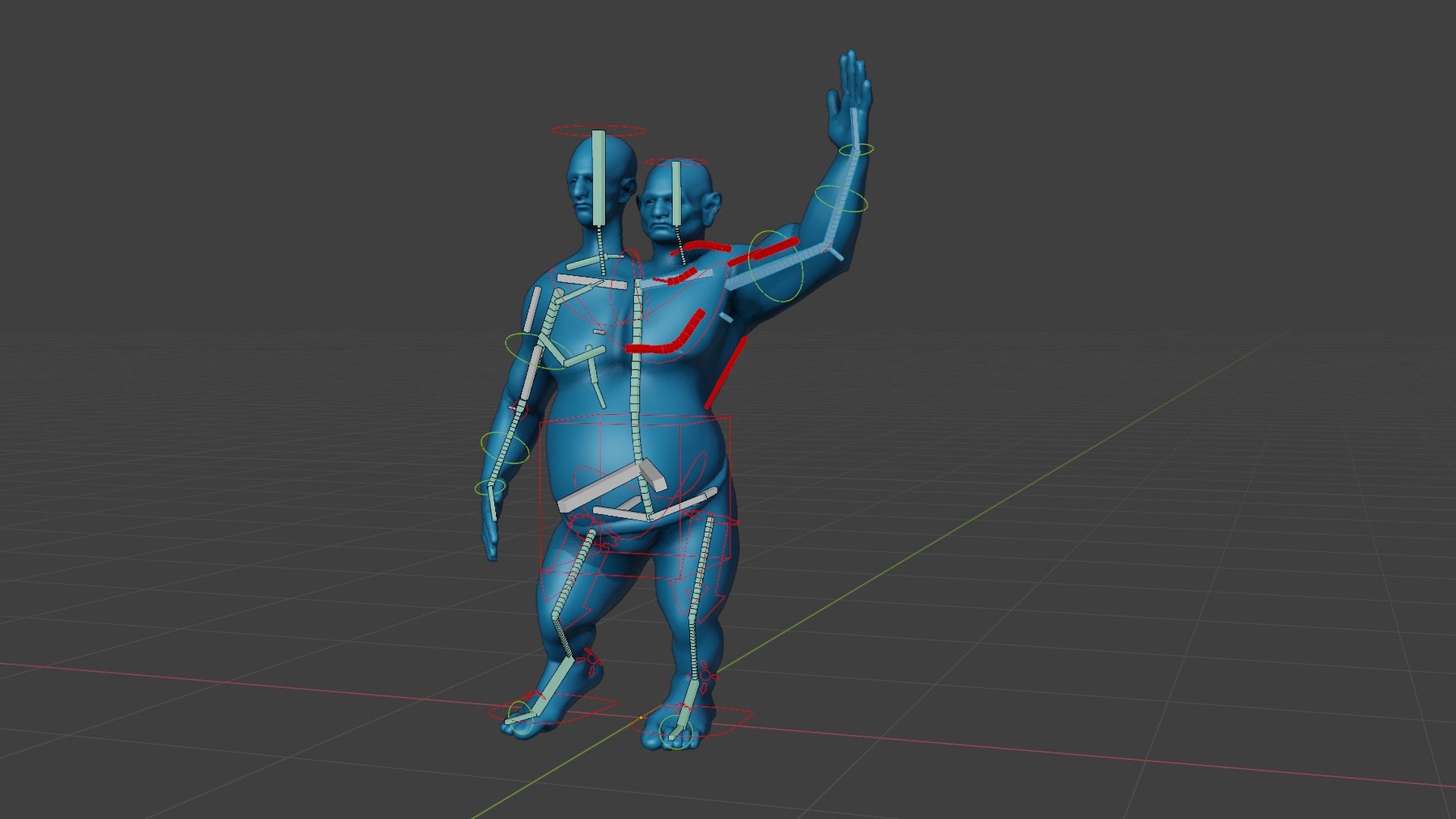
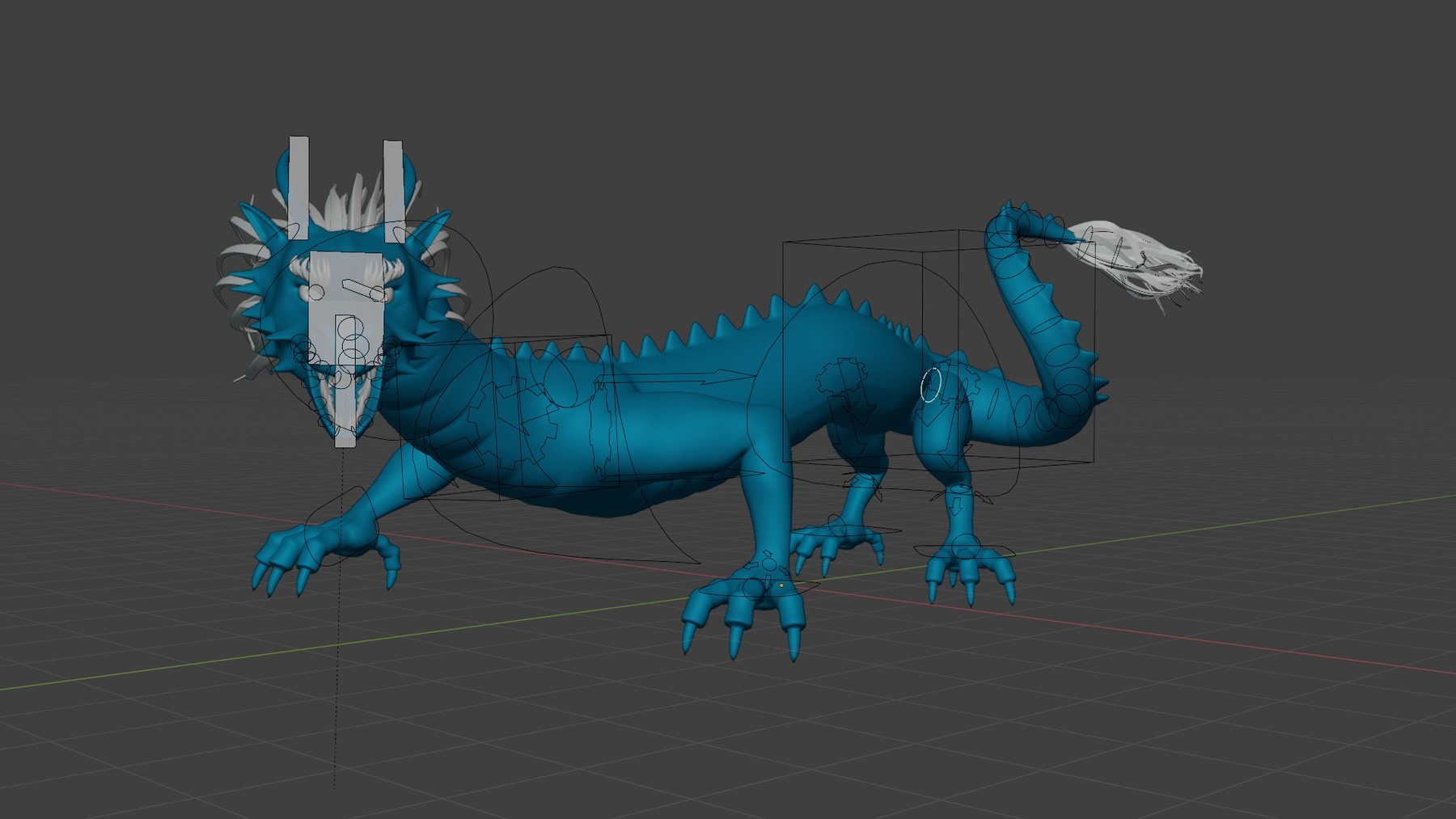

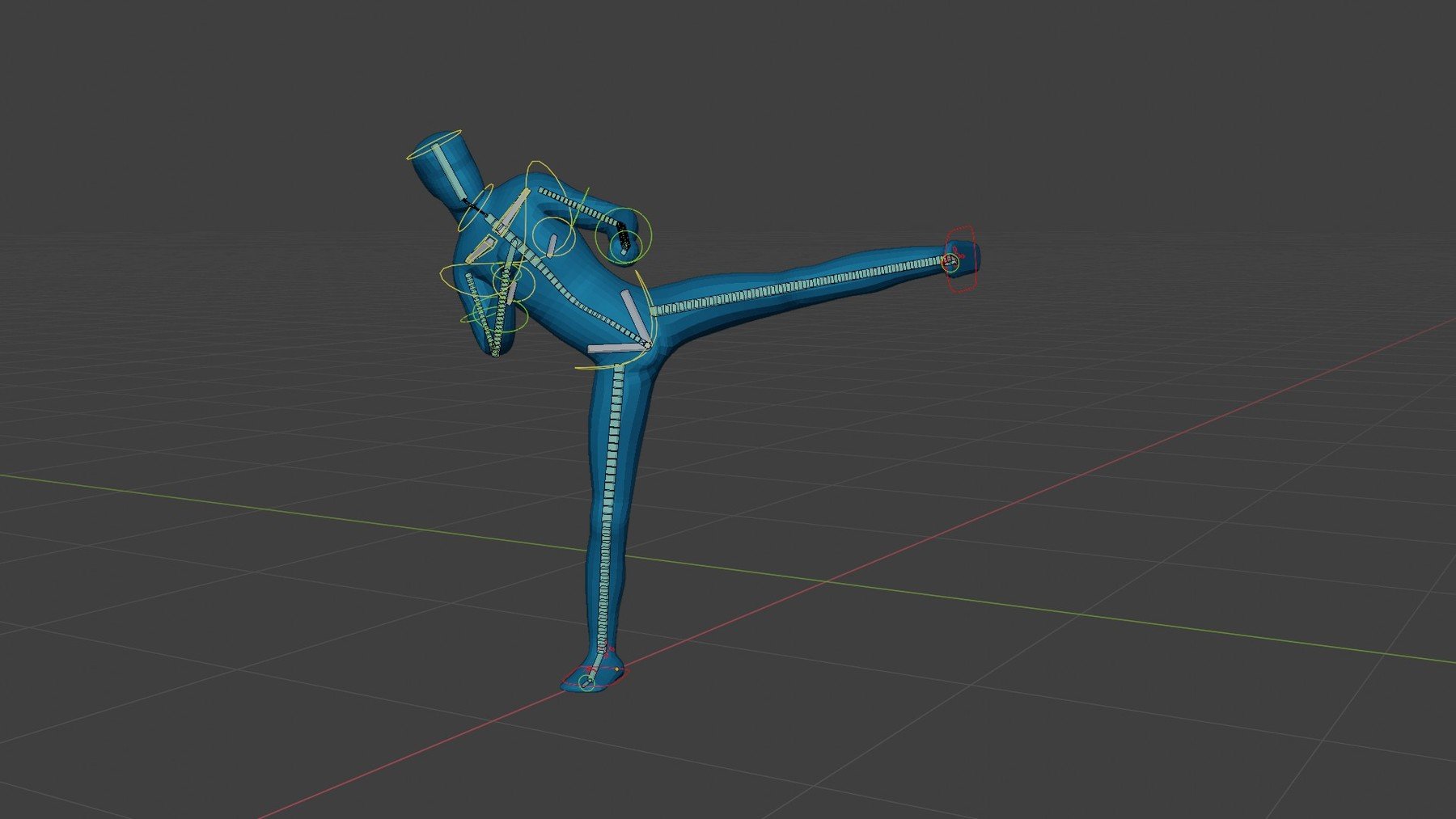
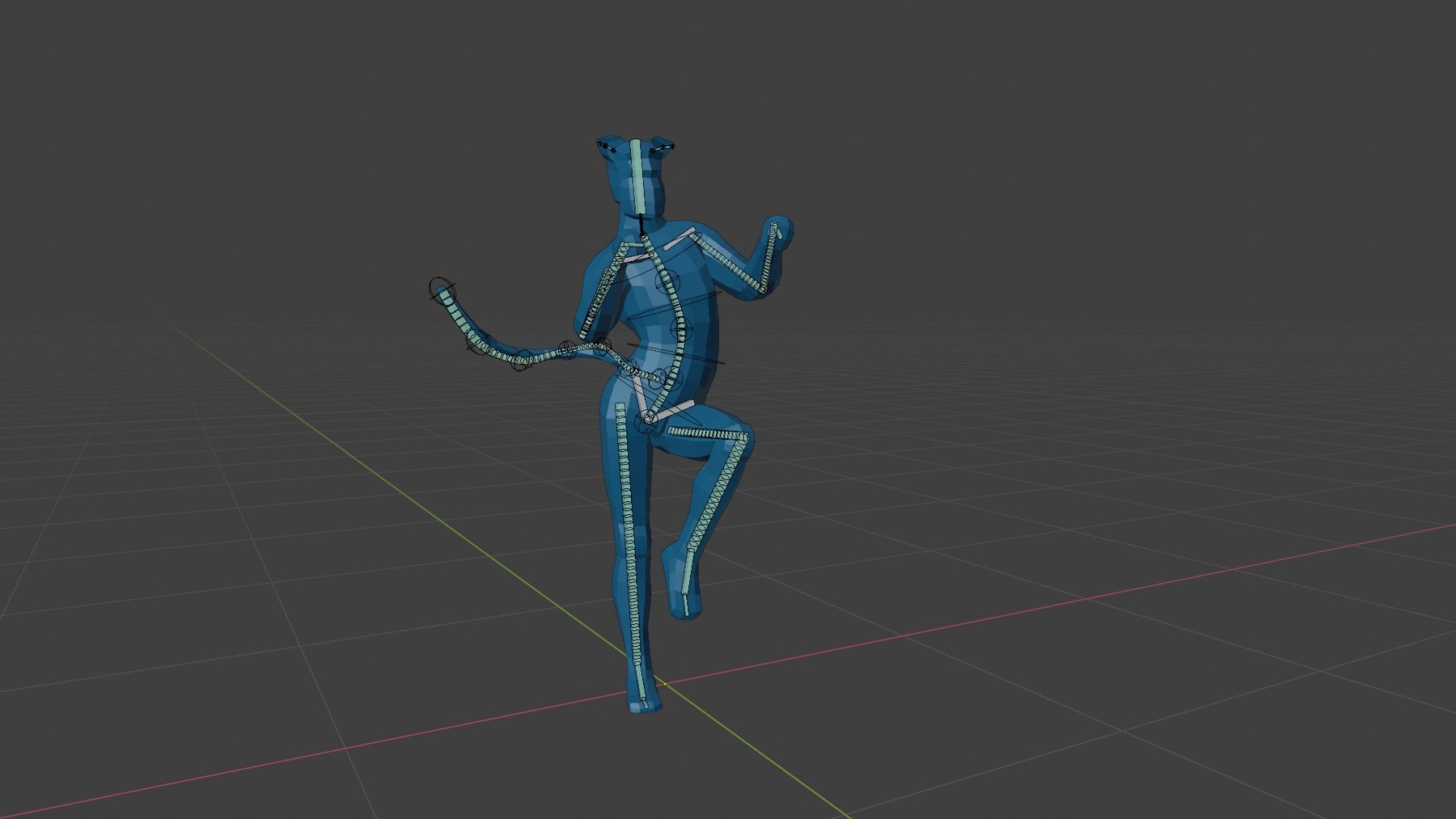
Important update:This course is getting old :) The information provided is still valid but the Blender interface may have changed enough to throw off beginners. The videos were created with Blender 2.8~2.93. It should be watchable for intermediate users using Blender up to version 3.6. My plan is to dust it off, patch the videos up a bit with additional information and release most of them for free.
That will take time so if you want to watch it now, you can still buy it (thank you for the understanding and support!). I have already heavily reduced the price.
-----
Do you find rigging in Blender difficult? Tried and failed to build advanced rigs for your characters? Do you find it takes forever to create even a rudimentary rig?
You're not alone. Rigging is tough. It requires a high level of both artistic and technical skills.
Lucky for us Blender offers us an easier solution: a free addon called Rigify. It's not enabled by default, therefore many people don't even know it exists. And its' advanced features are hidden behind a slightly unintuitive interface. Thus few artists utilize it to its full potential.
Due to a lack of quality information, a lot of Blender users think that Rigify is all about the "Human Meta-rig". But the human rig is nothing more than a shortcut that solves a common problem: rigging a simple humanoid character.
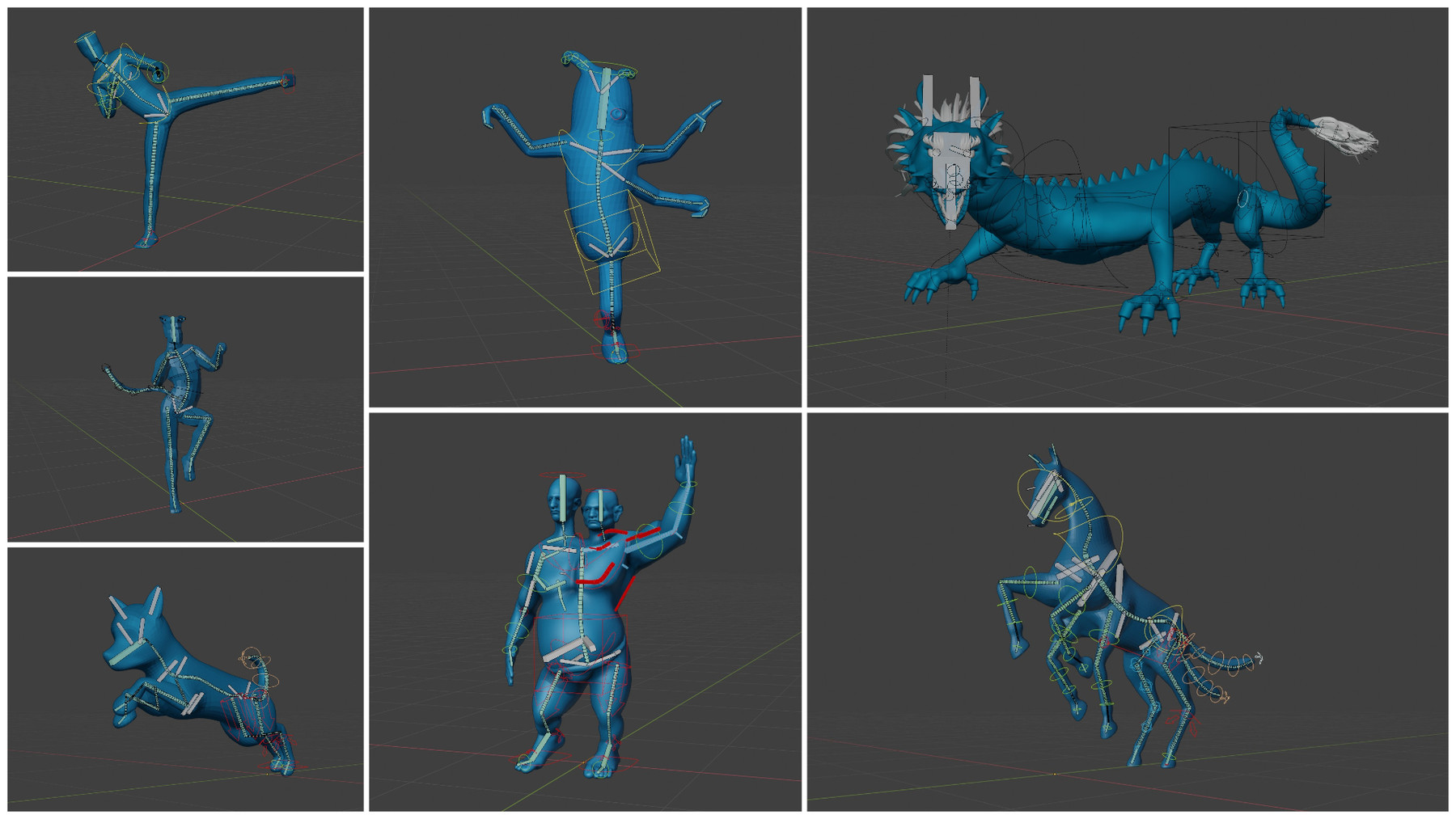
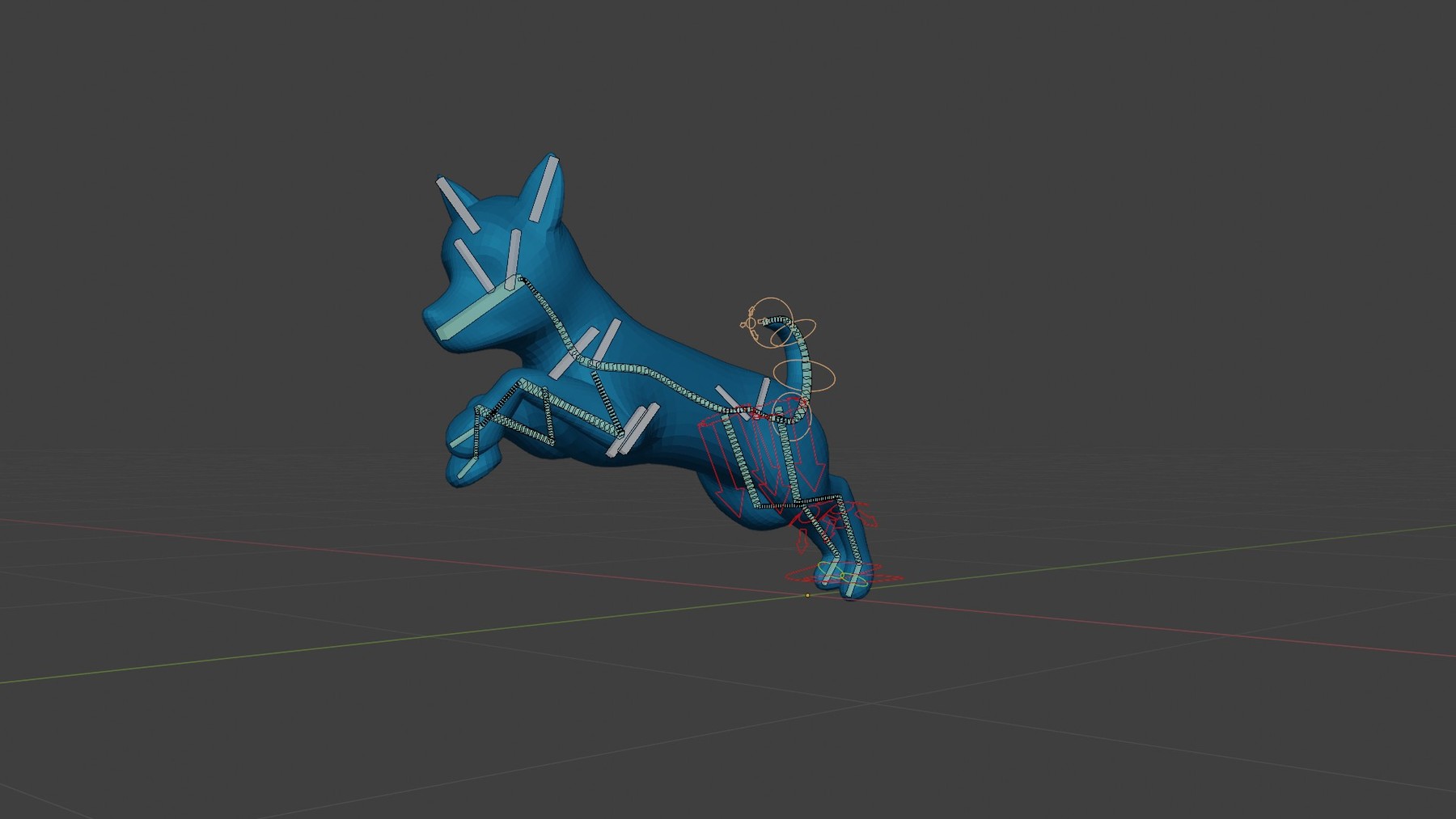
When you learn how to use Rigify properly you can rig just about any character. To get an idea of the characters we'll rig together in this course, see the images attached in the product info.
Build your Rigs from Lego Blocks
Rigify is a modular rigging system. It provides the artist with easy to understand building blocks like legs, arms, spines, tails, and many more. Using those you can rig almost any character.
Traditional rigging, on the other hand, deals with abstract and complicated concepts like constraints, drivers, local vs world translations, matrices etc. The truth is, most artists won't have the time to learn manual rigging at an advanced level. Thanks to Rigify, we don't have to.
So Rigify is pretty awesome... The only problem is figuring out how to use it.
➡This is where this course comes in.
You'll learn how to rig any character in the following three modules: Rigify Basics, Rigify Video Manual, and Advanced Rigify Sessions.
*Module 1: Rigify Basics(Available for FREE)*
In "Basics" you'll learn the most important aspects and basic concepts of Rigify. Rigify does not work like traditional rigging. You need to understand the philosophy behind it in order to use it correctly. The first 3 chapters will take care of that.
➡This module is FREE on YouTube but it is also included for download with the product! (I am not allowed to share a link to it, but google is your friend)
1. Intro to Blender Armatures
2. Overview of the Rigify Workflow
3.Rigging with Meta Rigs (biped and quadruped)
4. Extending the meta rigs and avoiding bad practices
5. The Rigify Building Blocks, aka Rig Types
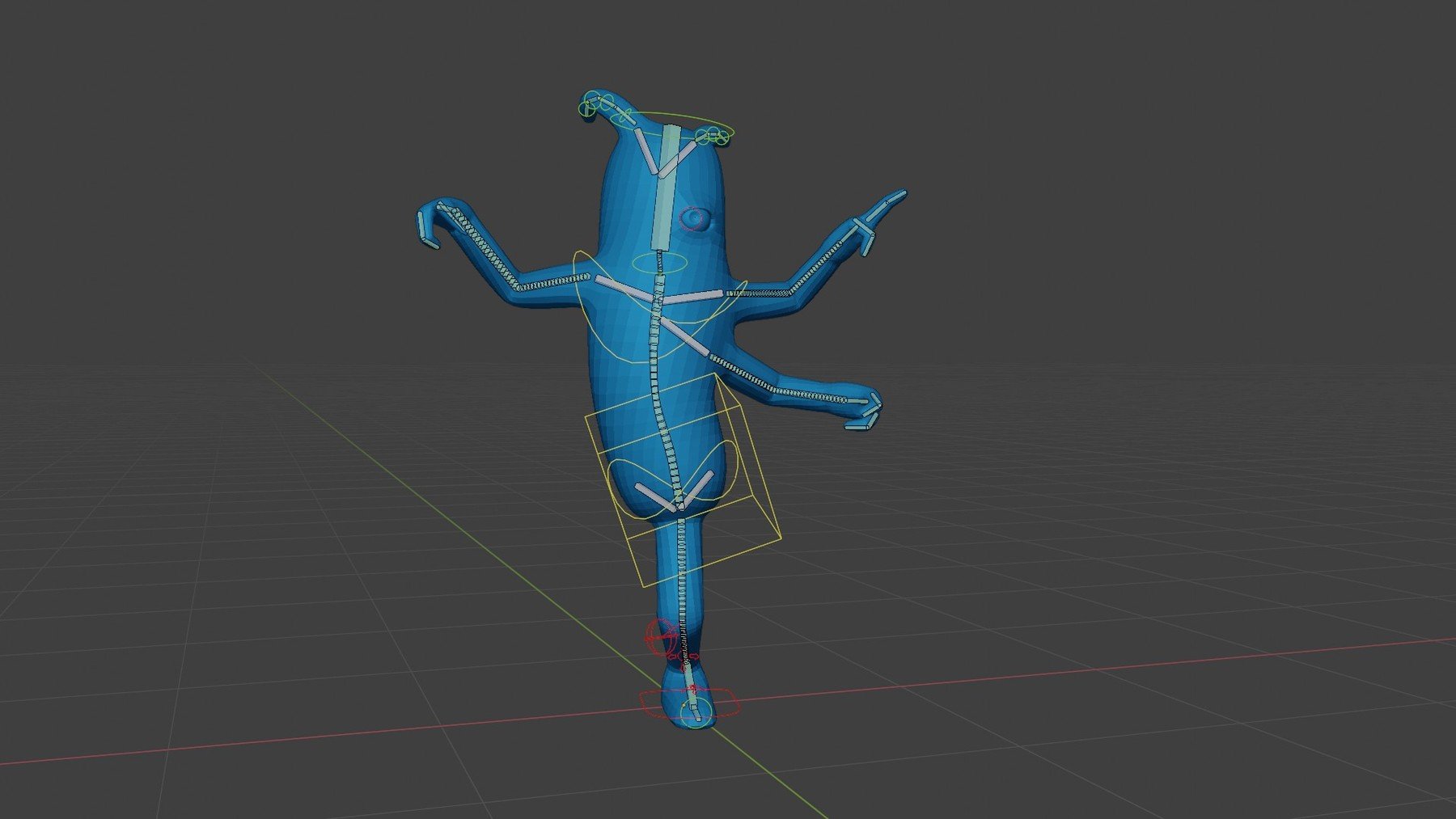
6. Creating a custom Meta Rig from scratch: Alien Character
7. Usability Improvements
8. Posing your character using the Rigify rig
*Module 2: The Rigify Manual *
The "Manual" is for people who want to understand every single option you find in Rigify. I go over each and every Rig Type/Building block and explore every option you'll encounter. There are meta rig options that affect how the rig will behave after it is generated. There are also options in the Generated rig that change the behavior of the Armature on the fly. All of that is covered in this module. It will teach you the correct workflow, which will help you avoid errors.
*Module 3: Advanced Rigging Sessions*
In this part, we'll rig several complex characters together.
This module includes rigging a Dragon and a Two-headed Ogre. One more session is planned, probably a bird wing. These characters allow me to demonstrate creative and unorthodox usage of the Rigify tools.
- Dragon Rigging
Sneak peek here:
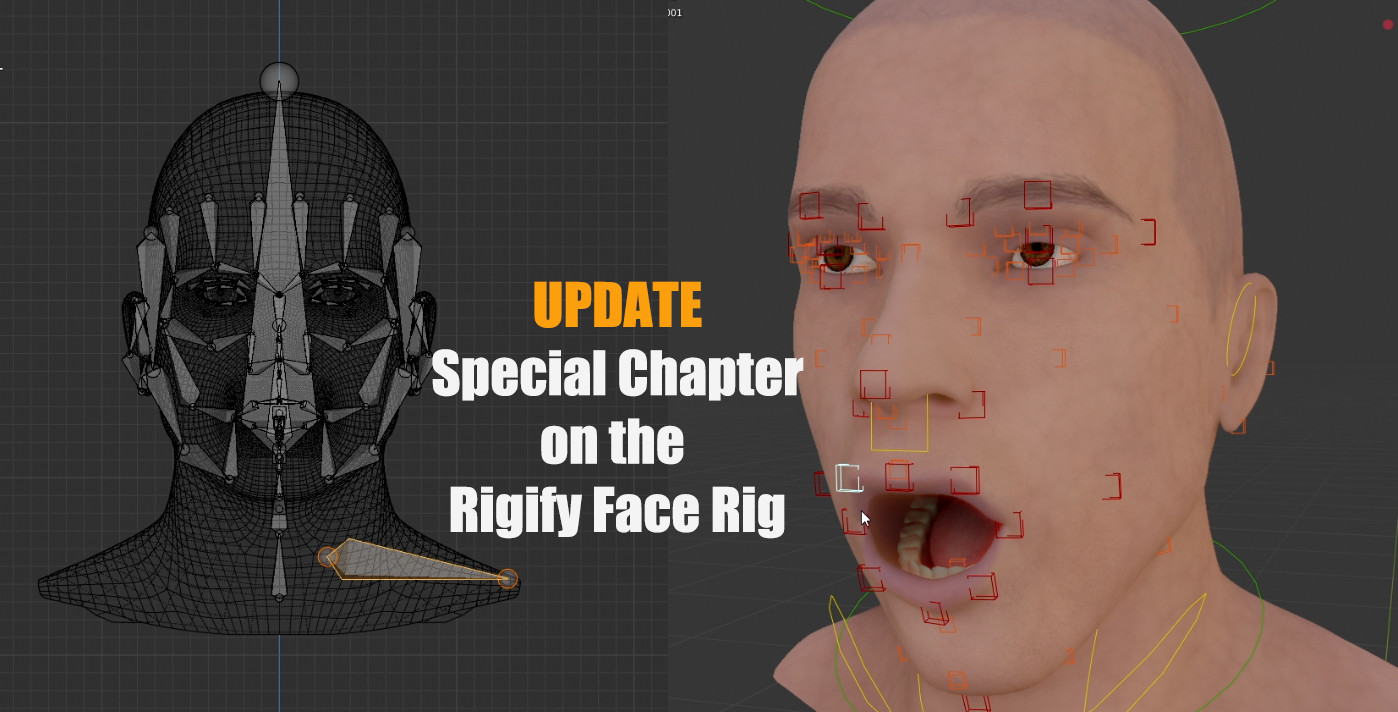
In this session, we'll rig a dragon using Rigify. Rigging the body and limbs of the Dragon with Rigify is so easy that I decided to add something really special to this series: a custom face rig that works with Rigify. This is achieved using one of the most advanced features of the addon. You won't find this workflow ANYWHERE else!
- Two-headed Ogre Rigging
Sneak peek here:
In this series, we'll rig a humanoid character with two heads and faces. His large muscles and belly pose a special challenge. As with the Dragon, building the basic rig using Rigify will be easy as pie. That will allow us to focus on a few more interesting areas.
-advanced shoulder rig
-automated controls for cumbersome areas like elbows, knees, belly etc.
-advanced weight painting
- Wing Rigging (planned bonus session)
As I get closer to completing the advanced chapters, the price will gradually go up. If you don't want to pay $45+ in the future, get the course now!
BLENDER FOR MAYA RIGGERS and MAYA ANIMATORS
If you're coming from Maya as a rigger I think you'll love Rigify, which is Blender's auto-rigging system.
And if you're a Maya Animator, Rigify can help you create versatile rigs quickly so you can start animating right away.
⚠️A few warnings before you buy:
- This course may be updated with new chapters. Make sure to set up your ArtStation profile such that you get notifications for product updates.
Release Notes
This update includes:
- a completely new Rigify Fundamentals Module for Blender 4 and later
- an new version of the Ogre Rigging Module, updated for Blender 4 and later
Other Changes:
Video streaming on ArtStation was discontinued because the platform makes it difficult to organize and update a large number of video and resource files. Streaming may still be possible if you contact me :)